
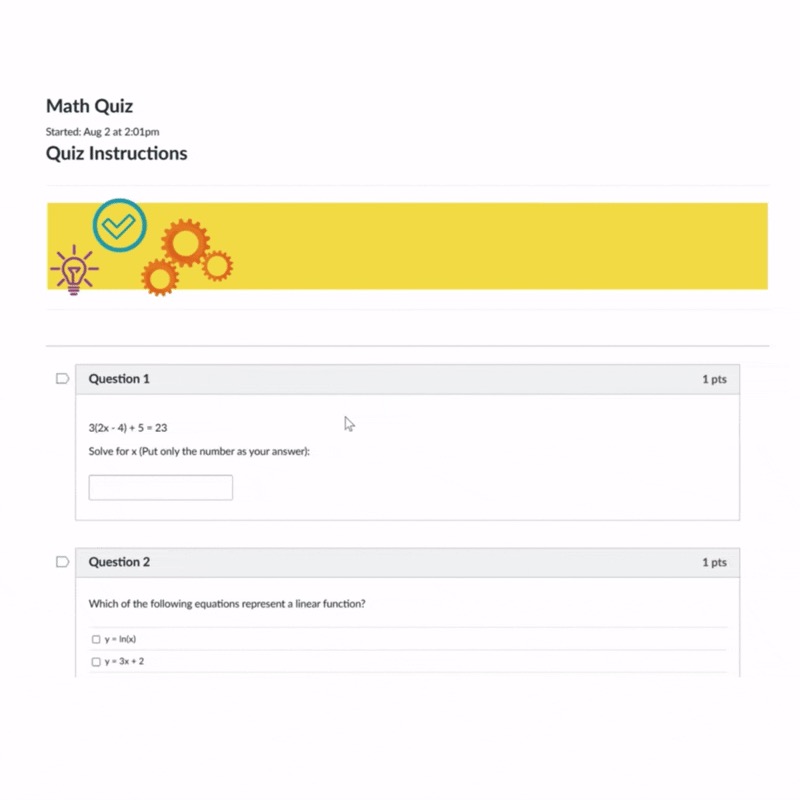
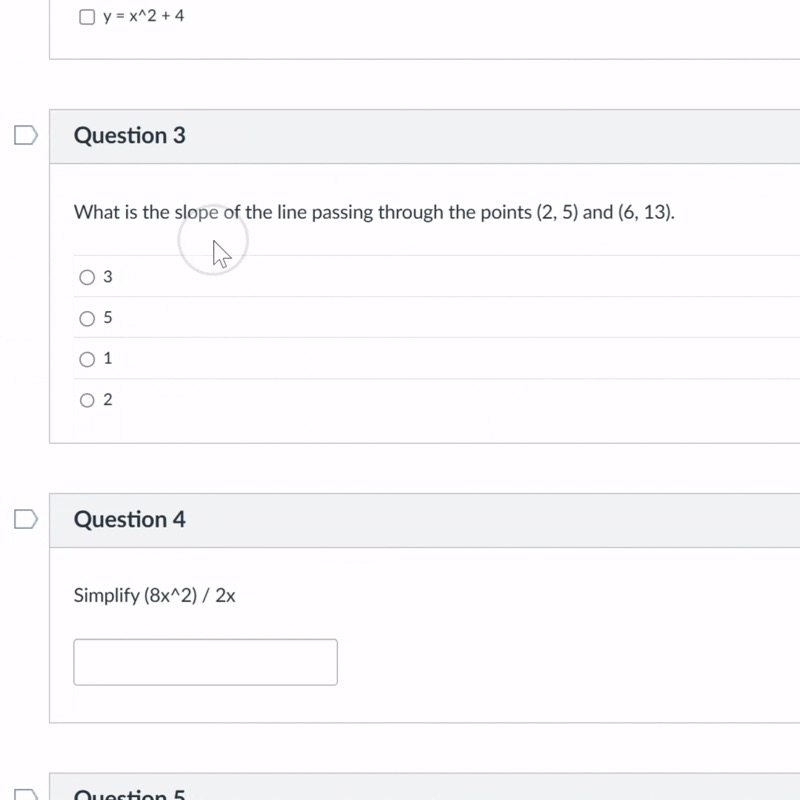
Text-based multiple-choice, multiple-select, short-answer, matching, and focused homework questions.
AI quiz solver and homework helper that explains every answer.
ExamNinja is an AI quiz solver and homework helper for Chrome. Get step-by-step explanations and answer checking for permitted practice quizzes, review, and coursework.
Only the question context needed for an answer is submitted. Do not enter personal data, private assessments, or access codes.
- 1Install the Chrome extension
- 2Choose a permitted practice question
- 3Review and verify the explanation
Guides for major learning platforms
View all 23 supported platforms →
The playbook
How it works
Open a supported text question, ask for help, then read and verify the reasoning. ExamNinja stays inside the browser workflow you already use.
01
Open your quiz
Open a supported practice or homework page and start with one focused question.
02
Double-click the question
Double-click the question so ExamNinja can identify the relevant text and context.
03
Review the answer and reasoning
Review the suggested answer and explanation, then verify important work against your course material.
Supported question formats
See how ExamNinja handles different questions
These four examples are interactive. Tap “Show answer” or double-click a card to see a suggested response for multiple-choice, multiple-select, graph-based, and matching questions.
Tap “Show answer” to try it
Multiple Choice
What is the derivative of (x + 1)² with respect to x?
A. 2x² + 4x − 2
B. x² + 2x + 1
C. 2x + 2
D. 2x² − 4x + 2
Multiple Select
Which organelles are involved in protein synthesis?
A. Nucleus
B. Mitochondria
C. Ribosomes
D. Cell wall
Fill in the Blank
Estimate the slope of the curve y = x² at x = 3.
The slope at x = 3 is
Matching
Match each molecule to its role in photosynthesis.
CO₂
H₂O
O₂
C₆H₁₂O₆
Free study tools
Try ExamNinja before you install
Paste one focused question, inspect the explanation, and verify important work against your course material.
Quiz questions
AI quiz solver
Get an answer, reasoning steps, and limits to check.
Answer choicesMultiple-choice solver
Compare the choices and understand why one fits best.
VerificationAnswer checker
Check your proposed answer and find gaps in the reasoning.
Step-by-step helpHomework helper
Work through one focused question with a clear explanation.
Choose how you learn
The right level of explanation
Pick the response style that fits your study session—from a concise answer check to a full worked explanation.
Reasoning included
Evidence-based study guides
Direct answers to the questions students actually ask
Each guide starts with a concise answer, then explains the evidence, configuration-dependent details, limitations, and practical next steps.
Canvas
Can Canvas detect tab switching?
What standard quiz logs show—and what depends on other software.
LMS activityOnline quiz logs explained
A practical distinction between LMS events and monitoring tools.
Answer checkingCheck multiple-choice answers
Test the stem, eliminate distractors, and verify the final choice.
AI reliabilityVerify AI-generated answers
Check assumptions, calculations, sources, and course conventions.
From the ExamNinja blog
Read all blog posts →
Practical AI study advice, backed by evidence
Detailed workflows, privacy checks, and honest comparisons built from primary sources—not unsupported accuracy claims or recycled study tips.
Tool evaluation
Best AI study tools for online coursework
A task-first scorecard and repeatable 10-question test for choosing useful tools.
Study supportAI homework helper or a tutor?
Where AI, tutoring, office hours, and textbooks each provide the most value.
AP exam preparationAn AP exam study workflow with AI
Combine official materials, retrieval practice, an error log, and targeted explanations.
Student privacyPrivacy checklist for AI study tools
Check permissions, data handling, retention, deletion, and payment details.
Know before you install
Clear limits, honest study support
ExamNinja is built for permitted practice, review, and coursework. Course instructions and institutional policies always come first.
Image uploads and PDF uploads are not supported. Missing diagrams or context can change an answer.
Choose monthly or annual billing inside the extension. Cancel a paid plan whenever you need to.
Use ExamNinja only where outside assistance is allowed, and verify important work against official course sources.
One plan, two billing options
Pick how you pay
Install ExamNinja free, then choose monthly or yearly billing inside the extension when you need more answers.
Monthly
$8.99
/month
Full access, billed monthly. Cancel whenever you like.
Install free
AI-assisted explanations
Supported text question formats
Concise, hint, and worked responses
Browser-based study workflow
Email support
Most popular
Yearly
$89.99
/year
Best value — a full year of ExamNinja, two months free.
Install free
Everything in Monthly
Save ~17% vs monthly
Full-year access
Early access to new features
Install free and get five successful answers daily after email sign-in. No card required; cancel paid plans anytime.
The honest answers